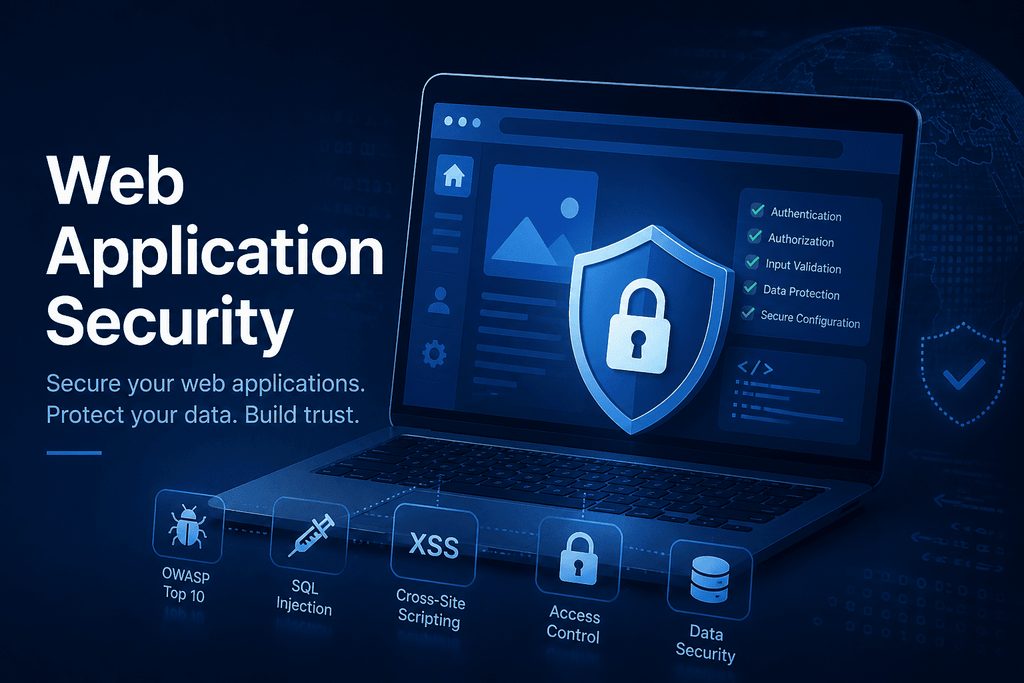
A web application firewall, or WAF, is one of the most effective ways to protect websites and APIs from common attacks without slowing down development. Think of it as a smart security layer that sits in front of your app and filters bad traffic before it reaches your code. In this complete guide to WAF, you’ll learn what a WAF is, how it works, and the best practices to deploy, tune, and maintain it for strong and reliable web application security.
What Is a Web Application Firewall (WAF)?
A Web Application Firewall is a security control that monitors and filters HTTP and HTTPS traffic between a client and a web application. Unlike a traditional network firewall that focuses on IPs, ports, and protocols, a WAF operates at Layer 7 and understands web requests, parameters, headers, and payloads. This application awareness allows it to block threats like SQL injection, cross-site scripting, file upload abuse, and other risks highlighted in the OWASP Top 10.
WAFs come in several forms: cloud WAF delivered at the edge, on-premises or virtual appliances you manage, and WAF as part of a CDN or WAAP (Web Application and API Protection) platform. Cloud WAFs are quick to deploy and scale easily, while on-premises WAFs give you more control and can satisfy strict data residency or regulatory needs. Many teams start with a cloud WAF to gain fast coverage, then refine policies as their traffic and compliance needs evolve.
Beyond blocking attacks, a WAF provides visibility and control. It helps with PCI DSS 6.6 compliance requirements, supports virtual patching for zero-days, and integrates with DevSecOps workflows. With detailed logs and analytics, a WAF turns noisy web traffic into actionable security signals, making it easier for security and engineering teams to collaborate on risk reduction without disrupting release cycles.
How a WAF Works: Core Features and Benefits
At its core, a WAF inspects each request and response, applying rules that look for suspicious patterns, anomalous behavior, and known bad signatures. It can enforce both a negative security model (block known bad) and a positive security model (allow known good), sometimes combining them for better accuracy. Advanced engines add behavior scores, reputation feeds, and machine learning to adapt to new attack techniques while reducing false positives.
Key capabilities include rate limiting, bot mitigation, and IP reputation filtering to cut automated abuse like credential stuffing and carding. Many WAFs validate JSON and XML payloads for API security, enforce HTTP method and content-type controls, and apply path-based policies. Features like TLS termination, header normalization, and security header enforcement (HSTS, CSP, X-Frame-Options) improve baseline hygiene. With geo-blocking, virtual patching for CVEs, and granular rules per endpoint, a WAF helps contain risk quickly.
The benefits are practical and measurable. You get stronger protection against OWASP Top 10 risks, faster response to zero-days, and reduced load on your origin by filtering malicious traffic early. Detailed request logs help investigations and feed SIEM and SOAR tools for better incident response. With a well-tuned WAF, teams lower mean time to detect and remediate, protect uptime during L7 DDoS events, and support compliance without adding heavy friction to development.
WAF Setup Best Practices, Tuning, and Rules
Start with a careful rollout. Put the WAF in monitoring or detection-only mode first to learn your normal traffic and reduce false positives. Baseline your endpoints, parameters, and authentication flows, then move high-confidence rules to block mode. Segment policies by environment and application, keep custom rules in version control, and test changes in staging with canary releases before you push to production.
Tune for precision and performance. Use allowlists for trusted services and health checks, and create path-based policies for sensitive routes like login, checkout, and admin pages. Limit HTTP methods and content types per endpoint, set strict upload size limits, and validate file extensions and MIME types. Add rate limits by IP, user, and API token to protect login and search endpoints, and enable bot challenges where appropriate. For APIs, enforce schema validation, reject unknown fields, and consider mTLS for machine-to-machine traffic.
Maintain a continuous improvement loop. Review WAF logs daily at first to catch false positives and refine rules quickly. Track metrics like false-positive rate, rule hit counts, blocked vs allowed traffic, latency overhead, and incident response times. Keep your core rule set (such as the OWASP ModSecurity CRS) up to date, apply virtual patches for new CVEs, and audit policies regularly for drift. Document ownership, change windows, and rollback steps, and automate WAF configuration with infrastructure as code to ensure consistent, repeatable security.
FAQ: Web Application Firewall (WAF)
Q: Is a WAF enough to secure my app?
A: No. A WAF is a strong layer in defense in depth, but you still need secure coding, regular patching, dependency scanning, and runtime monitoring.
Q: What’s the difference between a WAF and an API gateway?
A: An API gateway focuses on routing, authentication, throttling, and developer experience. A WAF focuses on security inspection and threat mitigation. Many teams use both, or a WAAP that blends features.
Q: Will a WAF slow down my site?
A: A well-tuned WAF adds minimal latency, often a few milliseconds. Use edge deployments, cache-friendly rules, and avoid overly complex custom logic on hot paths.
Q: Can a WAF stop DDoS attacks?
A: It helps with application-layer (L7) DDoS like request floods. For large volumetric (L3/L4) DDoS, pair your WAF with a network-level DDoS protection service.
Q: Cloud WAF or on-premises WAF?
A: Choose cloud WAF for speed, scale, and global reach. Choose on-prem for strict data control, custom routing, or specialized compliance.
Q: How do I measure WAF ROI?
A: Track reduced incidents, fewer fraudulent or abusive requests, lower origin load, faster zero-day response, and less downtime during attack spikes.
Q: How do I reduce false positives?
A: Start in monitor mode, tune high-traffic routes first, use allowlists and parameter-specific rules, and review logs daily until stable.
Q: Do I need a WAF if I already use a CDN?
A: Many CDNs include a WAF, but depth and features vary. Ensure you get robust rules, good analytics, and API security capabilities.
A Web Application Firewall gives you fast, adaptable protection for websites and APIs by stopping attacks at the edge before they hit your code. When you deploy it in monitor-first mode, tune rules to your traffic, and keep policies fresh with automated updates, a WAF delivers high-impact security with low friction. Combined with secure development and strong observability, it becomes a cornerstone of modern web application and API security.